We specialize in building and maintaining WooCommerce stores, and we’ve seen our fair share of WooCommerce payment gateway errors. If you’re experiencing issues with your payment gateway, you’re in the right place. In this article, we’ll cover the common causes of WooCommerce payment issues, how to fix them, and provide tips on preventing future errors. By the end of this article, you’ll have a better understanding of how to troubleshoot and resolve payment gateway problems in your WooCommerce store.
Introduction to WooCommerce Payment Gateway Errors
Payment gateways are a crucial part of any e-commerce store, including those built with WooCommerce. They enable customers to make payments online, and without a functioning payment gateway, a store cannot operate. WooCommerce payment gateway errors can occur due to a variety of reasons, including technical issues with the payment gateway, insufficient funds, or incorrect payment information.
Common payment gateway errors include errors with payment processing, such as “payment gateway not configured correctly” or “insufficient funds.” These errors can be frustrating for customers and store owners alike, and it’s essential to address them promptly to prevent lost sales and revenue.
Causes of WooCommerce Payment Gateway Errors
There are several causes of WooCommerce payment gateway errors, including technical and non-technical factors. Technical causes include issues with the payment gateway itself, such as outdated plugins or themes, or incorrect configuration. Non-technical causes include insufficient funds, incorrect payment information, or issues with the customer’s bank or payment method.
Technical causes of payment gateway errors can be complex and require expertise to resolve. For example, issues with the payment gateway’s API or webhook configuration can prevent payments from being processed correctly. Non-technical causes, on the other hand, are often easier to resolve and may require simply updating payment information or contacting the customer’s bank.
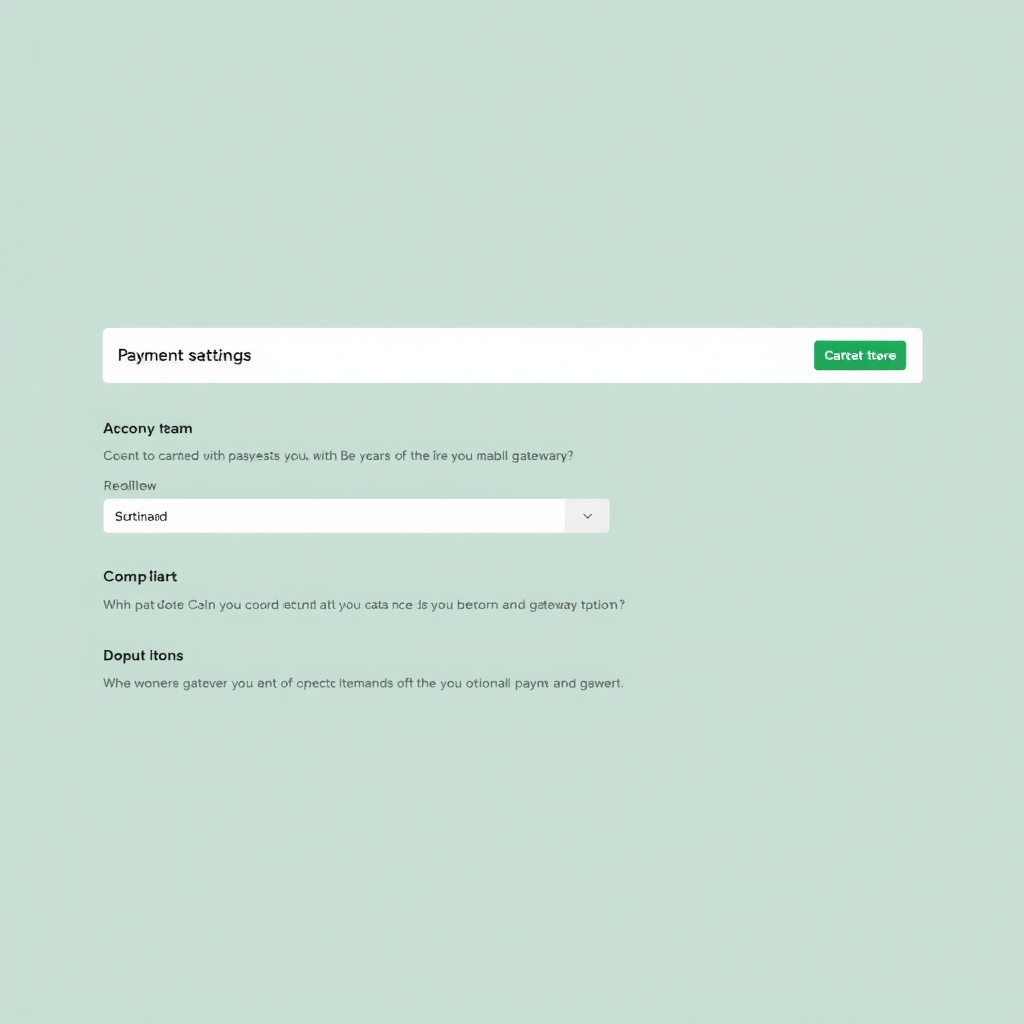
Fixing Common WooCommerce Payment Gateway Errors
To fix common WooCommerce payment gateway errors, follow these steps:
- Check the payment gateway settings to ensure they are correct and up-to-date.
- Update plugins and themes to the latest versions.
- Monitor payment gateway logs to identify any errors or issues.
For example, to fix the “payment gateway not configured correctly” error, check the payment gateway settings in the WooCommerce dashboard and ensure that the API keys and other settings are correct. You can also check the payment gateway’s documentation for troubleshooting tips and solutions.
Another common error is the “insufficient funds” error, which occurs when a customer’s payment method does not have sufficient funds to complete the transaction. To fix this error, the customer can simply update their payment information or use a different payment method.
Preventing Future WooCommerce Payment Gateway Errors
To prevent future WooCommerce payment gateway errors, it’s essential to regularly update plugins and themes, monitor payment gateway logs, and ensure that payment gateway settings are correct. Additionally, consider implementing best practices such as using a secure payment gateway and providing clear payment instructions to customers.
Regular maintenance and updates can help prevent technical issues with the payment gateway, while monitoring payment gateway logs can help identify and resolve issues promptly. By following these best practices, you can reduce the risk of payment gateway problems and ensure a smooth payment process for your customers.
For more information on our website design and development services, including payment gateway integration and troubleshooting, visit Our website design and development services.
Conclusion and Next Steps
In conclusion, WooCommerce payment gateway errors can be frustrating and costly, but they can be resolved with the right expertise and knowledge. By following the steps outlined in this article, you can troubleshoot and resolve common payment gateway errors and prevent future errors from occurring.
If you need help fixing a payment gateway error or would like to learn more about our services, Contact WpMoz for a quote or take advantage of our Free website check to identify any issues with your WooCommerce store.
Frequently asked questions
Why are my customers experiencing payment errors?
Payment errors can occur due to a variety of reasons, including technical issues with the payment gateway, insufficient funds, or incorrect payment information. Regularly monitoring and updating your payment gateway settings can help prevent these errors.
How do I fix a payment gateway error?
To fix a payment gateway error, first identify the cause of the error. Then, follow the troubleshooting steps outlined in our guide, which includes checking payment gateway settings, updating plugins and themes, and monitoring payment gateway logs.
Can I prevent payment gateway errors from happening in the future?
Yes, you can prevent payment gateway errors by regularly updating your plugins and themes, monitoring payment gateway logs, and ensuring that your payment gateway settings are correct. Additionally, consider implementing best practices such as using a secure payment gateway and providing clear payment instructions to customers.
What if I need help fixing a payment gateway error?
If you need help fixing a payment gateway error, contact WpMoz for a quote. We offer website design and development services, including payment gateway integration and troubleshooting.